Patient Education Flyers & Print · Instagram Graphics · Canva
01
Dental Cavitation (FDOJ) Patient Education Flyer

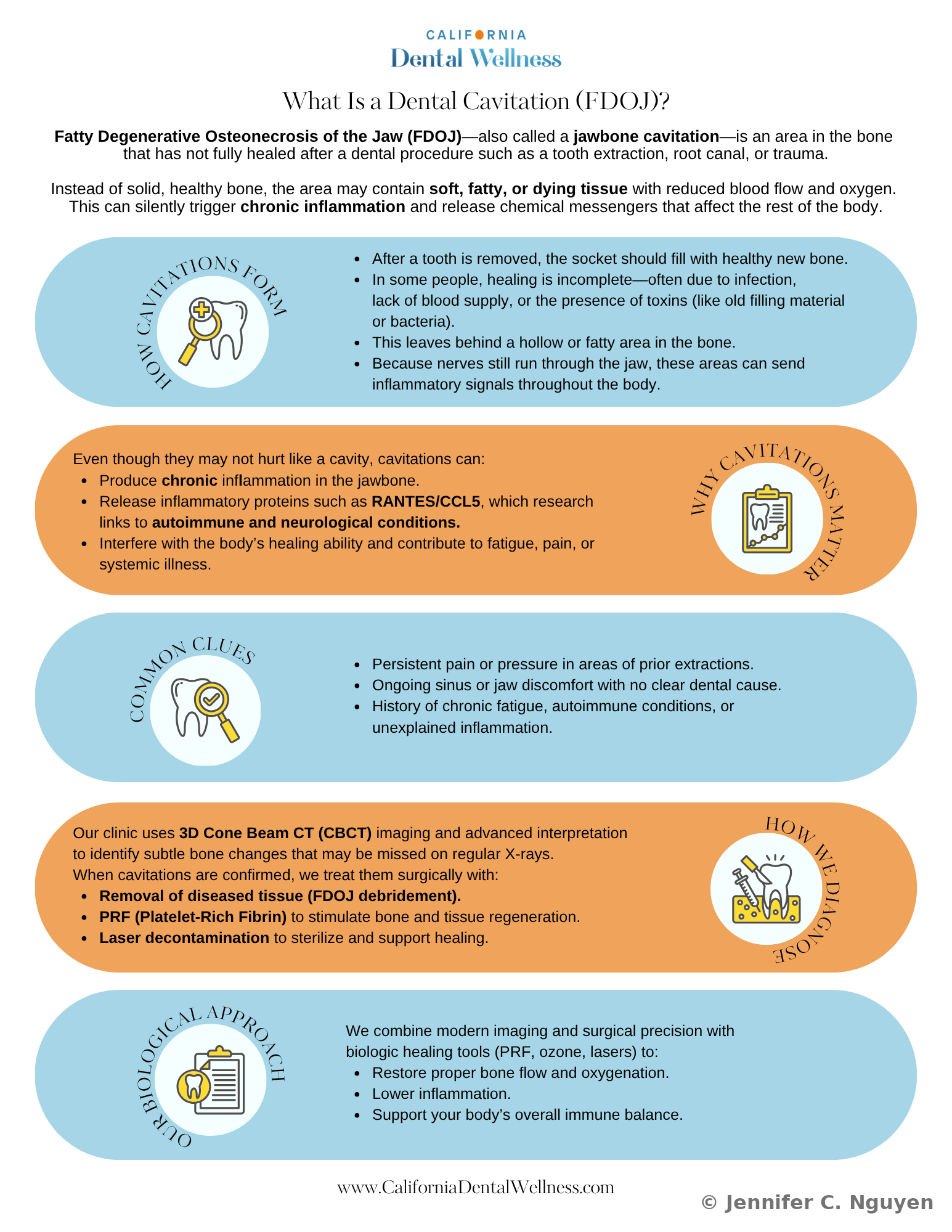
A two-sided patient education flyer for California Dental Wellness, translating clinical research on jawbone cavitations into something a patient can actually read and act on. The practice's biological dentist provided the content and the twelve scientific citations; I was responsible for the visual system, layout, and information hierarchy. Biological dentistry treats the mouth as connected to the whole body rather than an isolated set of teeth, so where a conventional flyer might stop at "here's a cavity", this one had to explain jawbone inflammation, biocompatible healing methods, and a research-backed link to autoimmune and neurological symptoms, in language a patient with no clinical background could still follow.

Health CommunicationPrint DesignBiological Dentistry
Front of a two-page patient education flyer for California Dental Wellness titled What Is a Dental Cavitation (FDOJ)?, explaining fatty degenerative osteonecrosis of the jaw through five color-coded sections: How Cavitations Form, Why Cavitations Matter, Common Clues, How We Diagnose, and Our Biological Approach, each paired with a circular icon illustrationFront — patient-facing explanation of dental cavitations (FDOJ)
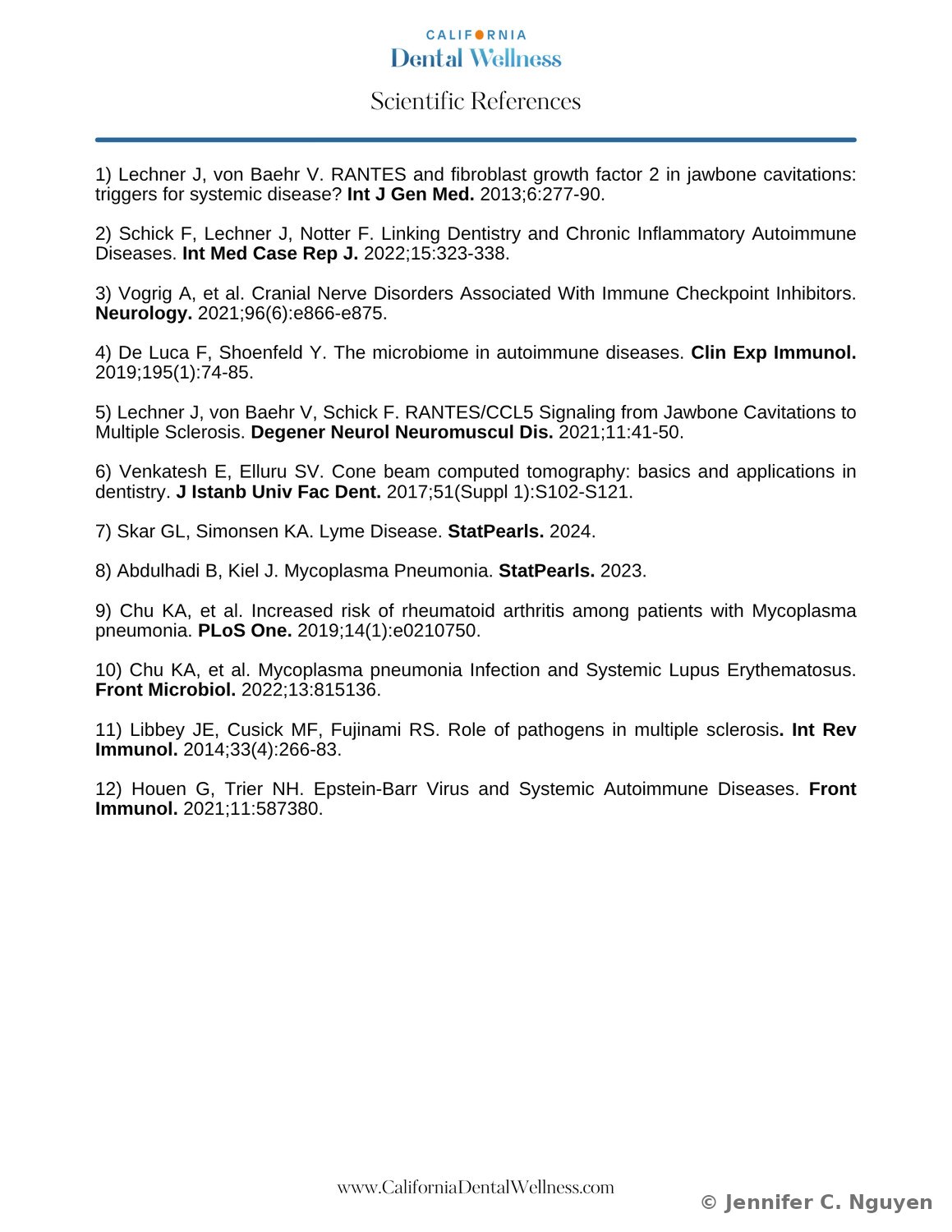
Back of the flyer, a Scientific References page listing twelve numbered peer-reviewed citations on jawbone cavitations, RANTES/CCL5 signaling, autoimmune and neurological conditions, and cone beam CT imaging, formatted in a clean serif layout under the California Dental Wellness logoBack — twelve-source scientific reference list
02
Patient 360 Platform Training

Custom training built from the ground up for an in-house patient education CRM platform. No prior training materials existed, so I built this from the first announcement through go-live. Rather than send a plain email that busy clinical staff could easily miss or skim past, I designed a three-part flyer series to visually signal each stage of rollout and make the training feel like something worth stopping for.

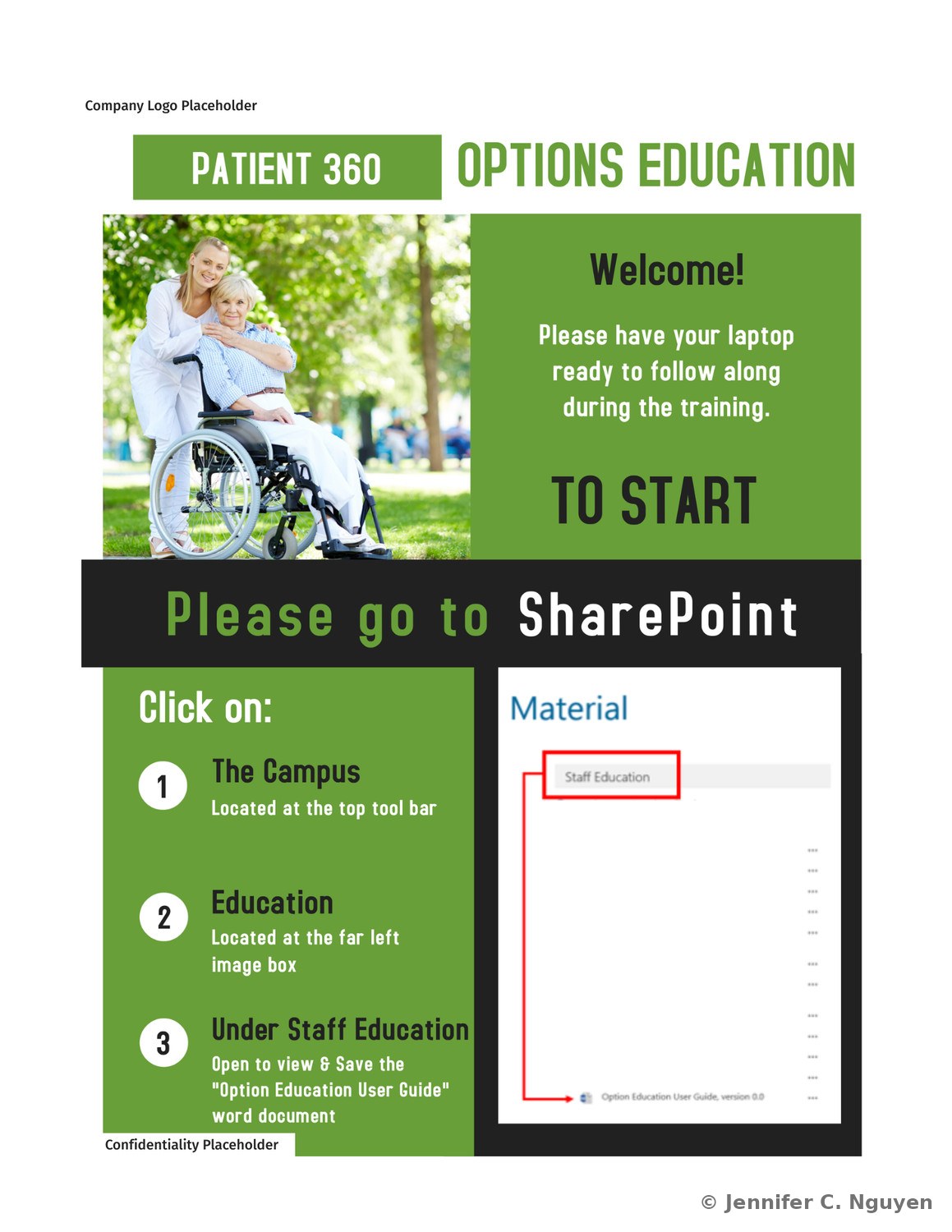
The Welcome flyer opens the training and directs staff to the SharePoint site to download the user guide. The Cloud flyer introduces the safe practice environment, where staff are encouraged to explore, make mistakes, and ask questions with no consequences. The Live flyer marks the switch to the real production environment, using a caution tone to reinforce that this one is the source of truth. Deployed across 80+ sites; logos and other identifying details have been replaced with placeholders here to protect confidentiality.

Clinical PlatformCustom BuildChange Management
Patient 360 Options Education welcome flyer in green, showing a caregiver with an elderly woman in a wheelchair, instructing staff to have their laptop ready and go to SharePoint, then click The Campus, Education, and Staff Education to open and save the Option Education User Guide, with a screenshot of the SharePoint Material list highlighting the Staff Education link and the guide documentWelcome — kickoff flyer directing staff to the SharePoint user guide
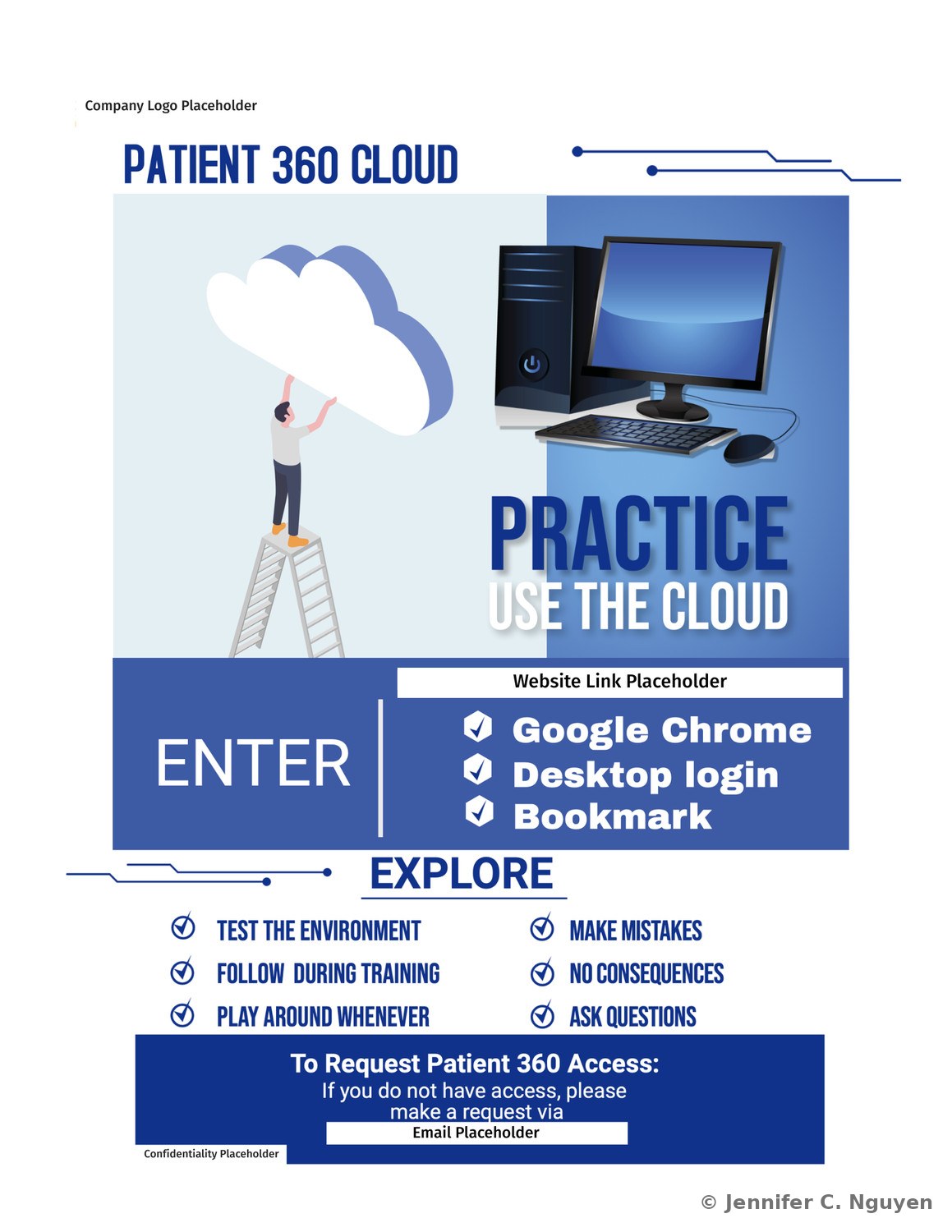
Patient 360 Cloud flyer in blue, with an illustration of a person on a ladder reaching into a cloud beside a desktop computer, reading Practice, Use the Cloud, with instructions to enter via Google Chrome, desktop login, and bookmark, and a checklist encouraging staff to test the environment, make mistakes, follow along during training, and ask questions with no consequencesCloud — safe practice environment, mistakes welcome
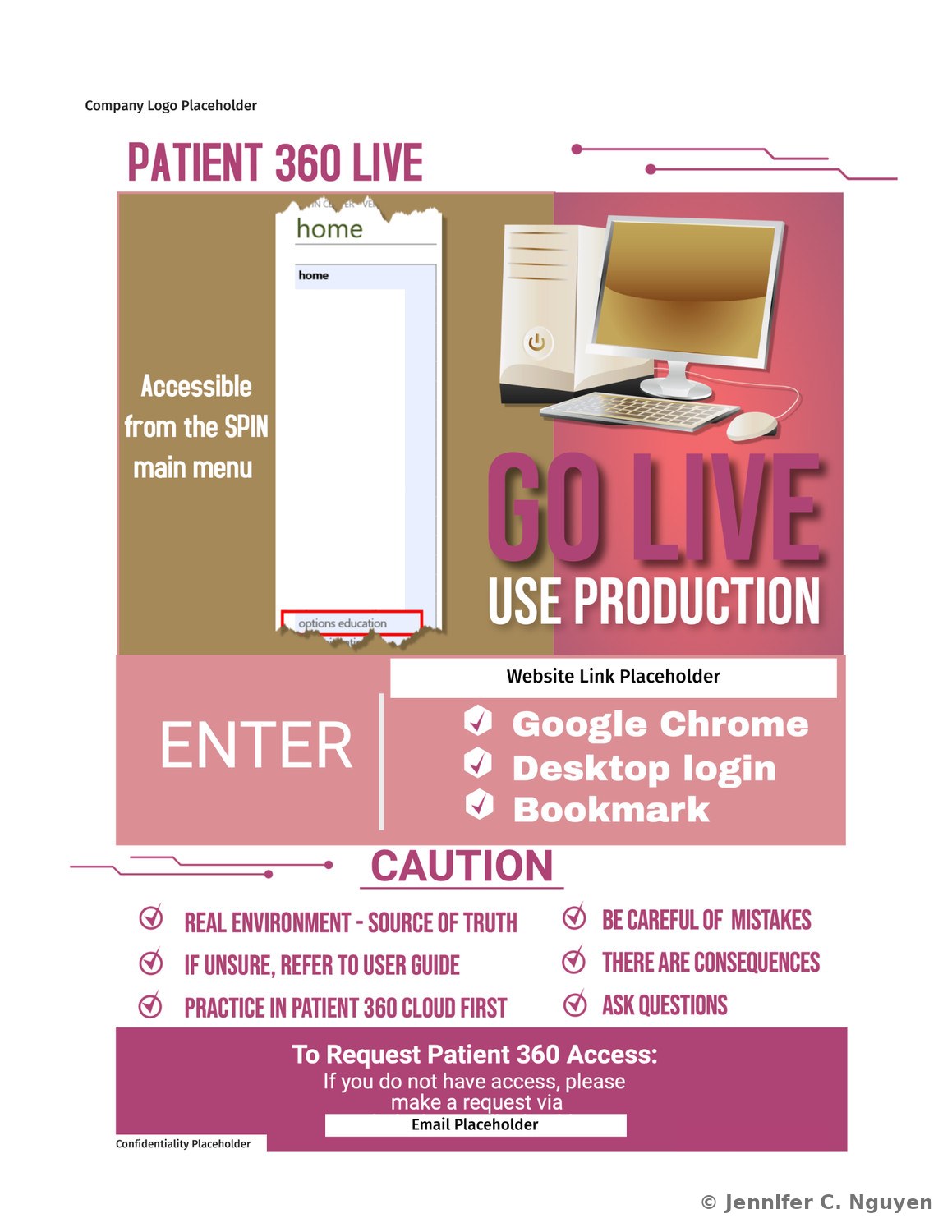
Patient 360 Live flyer in magenta, showing a screenshot of the SPIN main menu home screen beside a desktop computer, reading Go Live, Use Production, with instructions to enter via Google Chrome, desktop login, and bookmark, and a caution checklist noting this is the real environment and source of truth, to refer to the user guide if unsure, to practice in Patient 360 Cloud first, and that there are real consequences to mistakesLive — production environment, real consequences
03
California Dental Wellness, Instagram Education Posts

Instagram graphics designed to explain two of the practice's biological dentistry services in plain language: biocompatibility testing, a saliva test matching dental materials to a patient's immune system, and the phase contrast microscope, used to screen a patient's oral biofilm live rather than guess.

InstagramBiological DentistryCanva
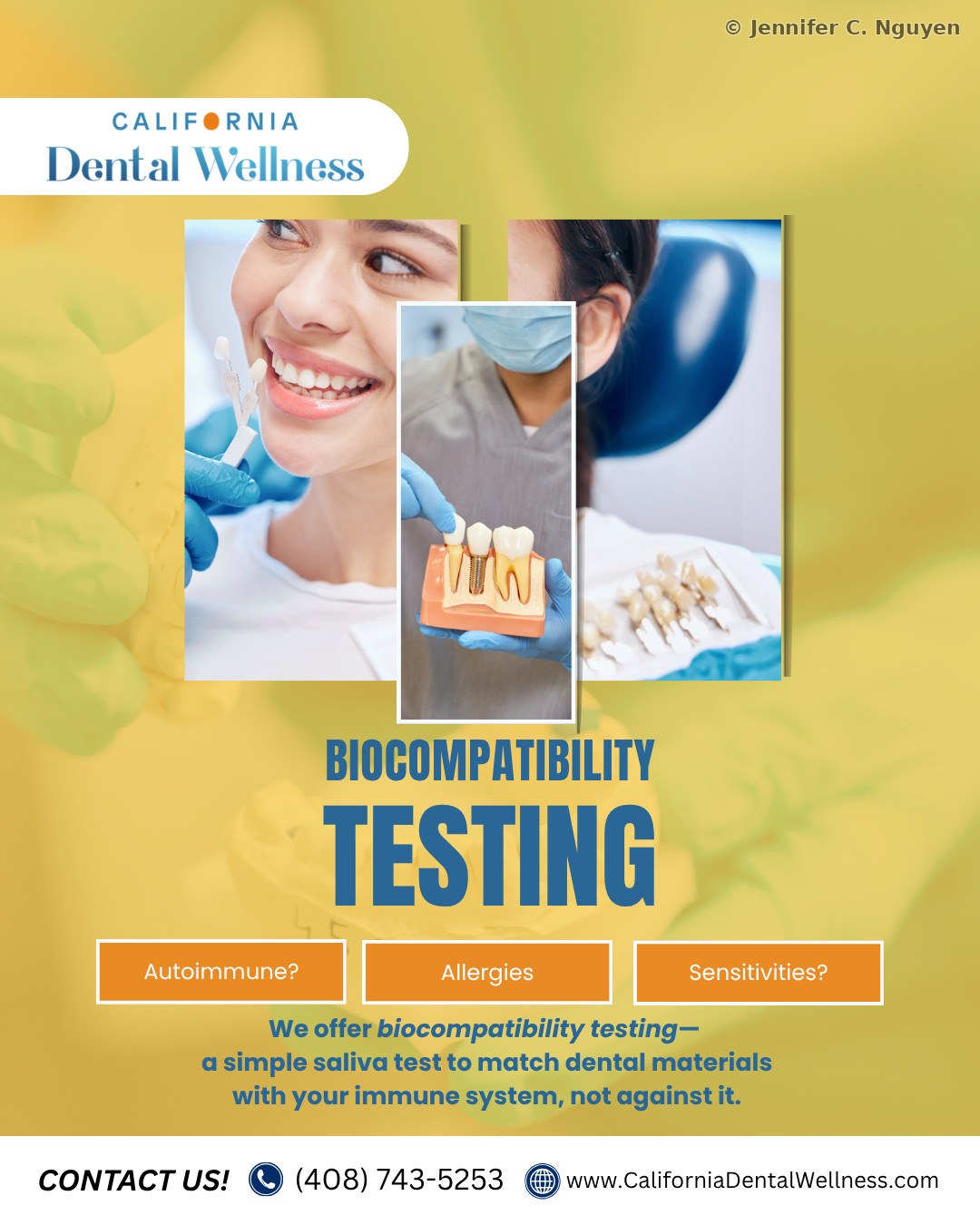
California Dental Wellness Instagram post on a yellow background titled Biocompatibility Testing, with photos of a patient smiling and a dentist holding a dental implant model, three orange tags reading Autoimmune, Allergies, and Sensitivities, and text explaining that biocompatibility testing is a simple saliva test to match dental materials with a patient's immune system, not against itBiocompatibility Testing — saliva test explained
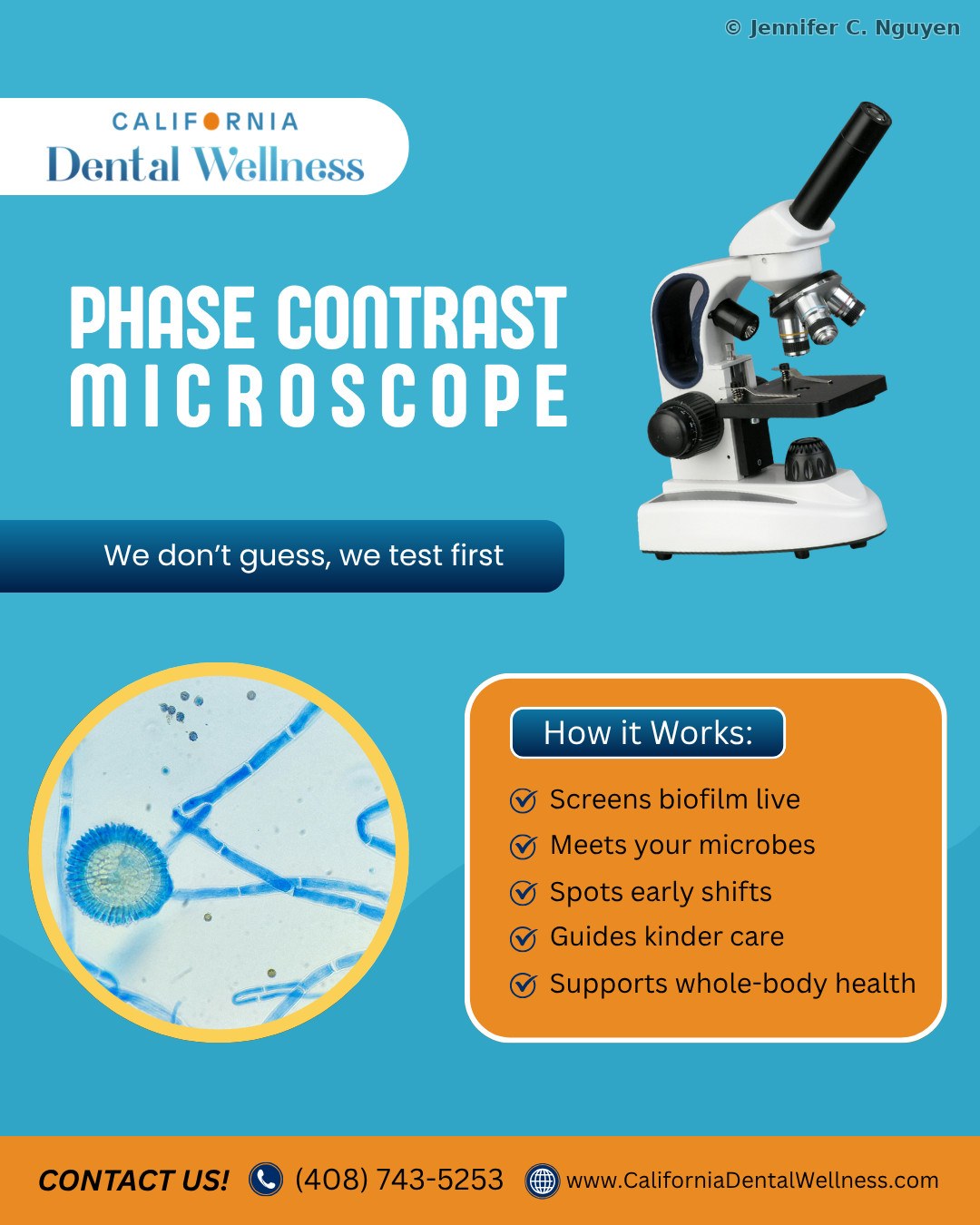
California Dental Wellness Instagram post on a blue background titled Phase Contrast Microscope, with a photo of a microscope, a magnified circular image of oral biofilm, the tagline We don't guess, we test first, and a How it Works list: screens biofilm live, meets your microbes, spots early shifts, guides kinder care, and supports whole-body healthPhase Contrast Microscope — biofilm screening explained

Staff & Nurse Education Credentialing · Onboarding · HealthStream

This work is confidential and shared in interviews only; the cards below describe the scope rather than showing screenshots.
01
Clinical Competency & In-House Credentialing

An in-house competency and credentialing program covering infection control, vascular access, dialysis operations, water treatment, bloodborne pathogen exposure control, emergency preparedness, HIPAA, OSHA, CMS, and WHO guidelines for 2,200+ staff across 80+ centers.

Working in HealthStream as the clinical training coordinator and administrator, I assigned coursework by role and center, tracked completion progress against annual deadlines, pulled compliance reports for site audits, and followed up directly with anyone falling behind.

HealthStreamClinical ComplianceDialysis Care
02
Staff Onboarding Programs

Onboarding programs for clinical and administrative staff across private medical practices, improving efficiency and patient care delivery.

For a dialysis healthcare organization, this also covered nurse education for each quarterly onboarding cohort. Individual nurse educators each had been sending their own welcome emails, which was repetitive and inconsistent, so I centralized it into a single set of Outlook email templates that I sent. Each one followed a consistent, brand-styled layout with clear action items rather than plain email text, signaling it was part of the onboarding and nurse education program and giving new hires something to reference back to for resources and links throughout the program. A matching congratulatory template marked program completion, an internal email system built in-house rather than through a platform like Constant Contact.

OnboardingStaff TrainingInternal Communications
03
Train-the-Trainer, Preceptor Certification eLearning & Curriculum

A full Train-the-Trainer eLearning program for a preceptor certification track, designed in Articulate Storyline and deployed in HealthStream, paired with a Word facilitator manual covering lesson outlines, discussion guides, and resources for nurse educators and center managers. The eLearning itself is confidential, but a case study walking through the assessment and design process is available in interviews.

StorylineHealthStreamTraining Manual
A note on confidentiality: Organizational names have been omitted from some materials per confidentiality agreements. Select samples available upon request.